What is screen time defined as?
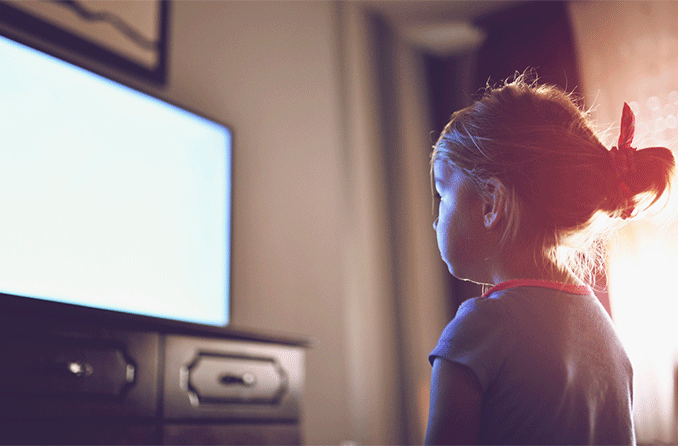
"Screen time" is a term used for activities done in front of a screen, such as watching TV, working on a computer, or playing video games.
What is a healthy screen time? [1]
Health experts say screen time at home should be limited to two hours or less a day. The time we spend in front of the screen, unless it's work- or homework-related, could be better spent being more physically active (increasing our energy out).
How much screen time by age?
Recommended time limits
- Under 2 years old: Zero screen time, except for video chatting with family or friends.
- 2-5 years old: No more than one hour per day co-viewing with a parent or sibling.
- 5-17 years old: Generally no more than two hours per day, except for homework.

Screen time is a sedentary activity, meaning you are being physically inactive while sitting down. Very little energy is used during screen time.
Most American children spend about 3 hours a day watching TV. Added together, all types of screen time can total 5 to 7 hours a day.
Can mobile cause astigmatism?

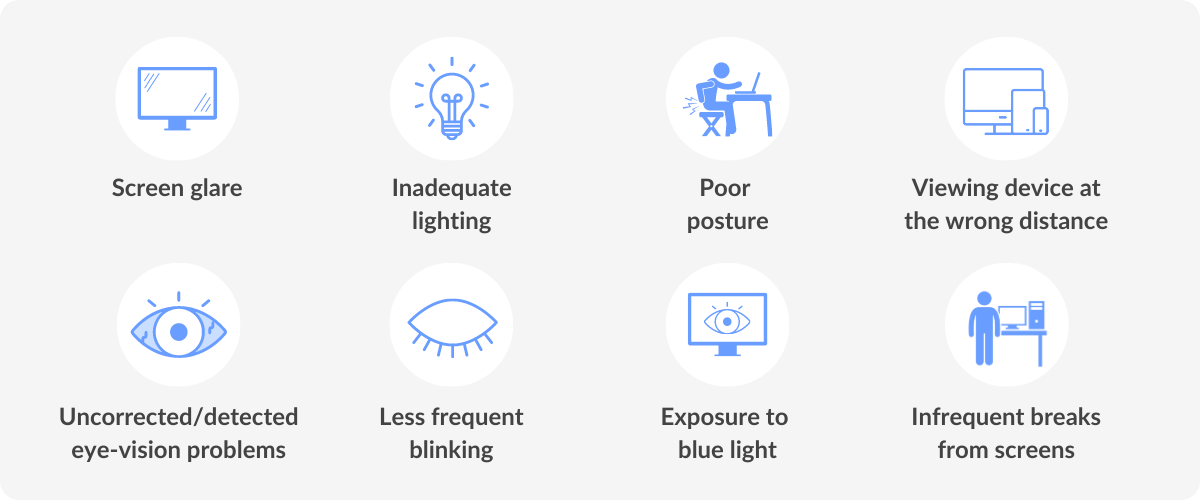
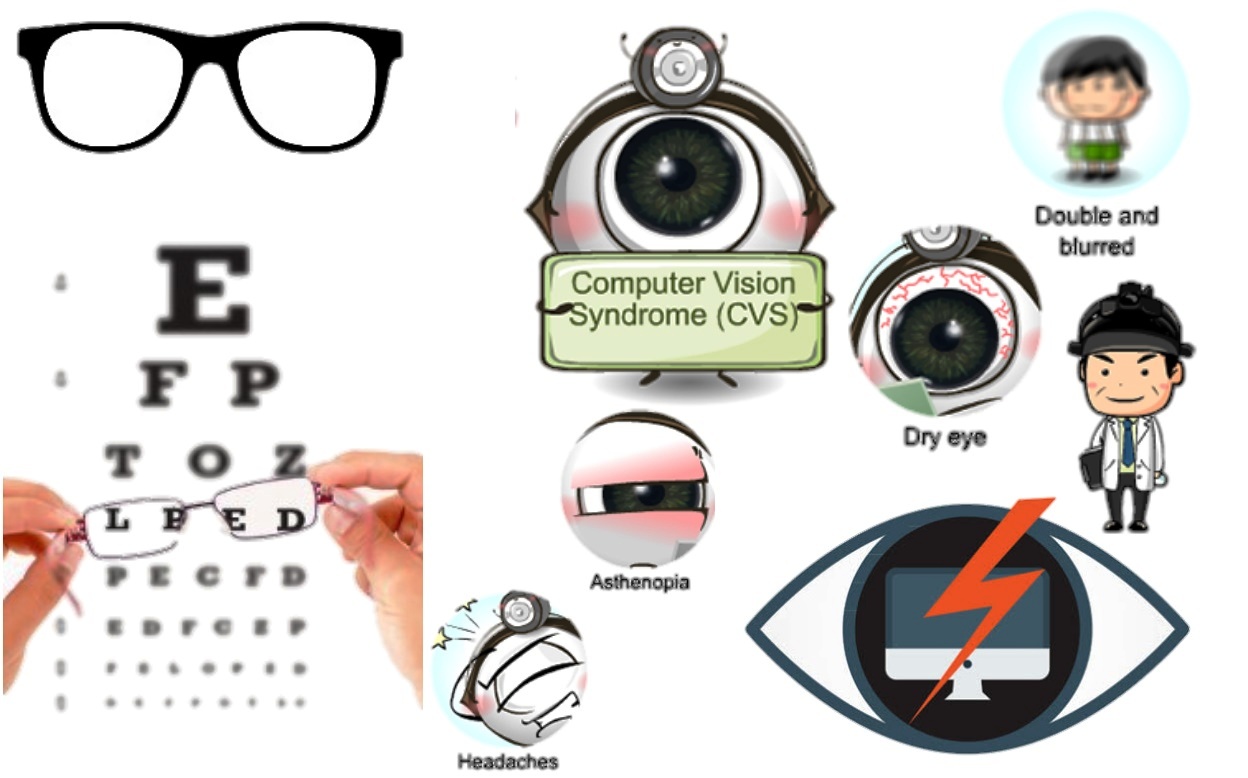
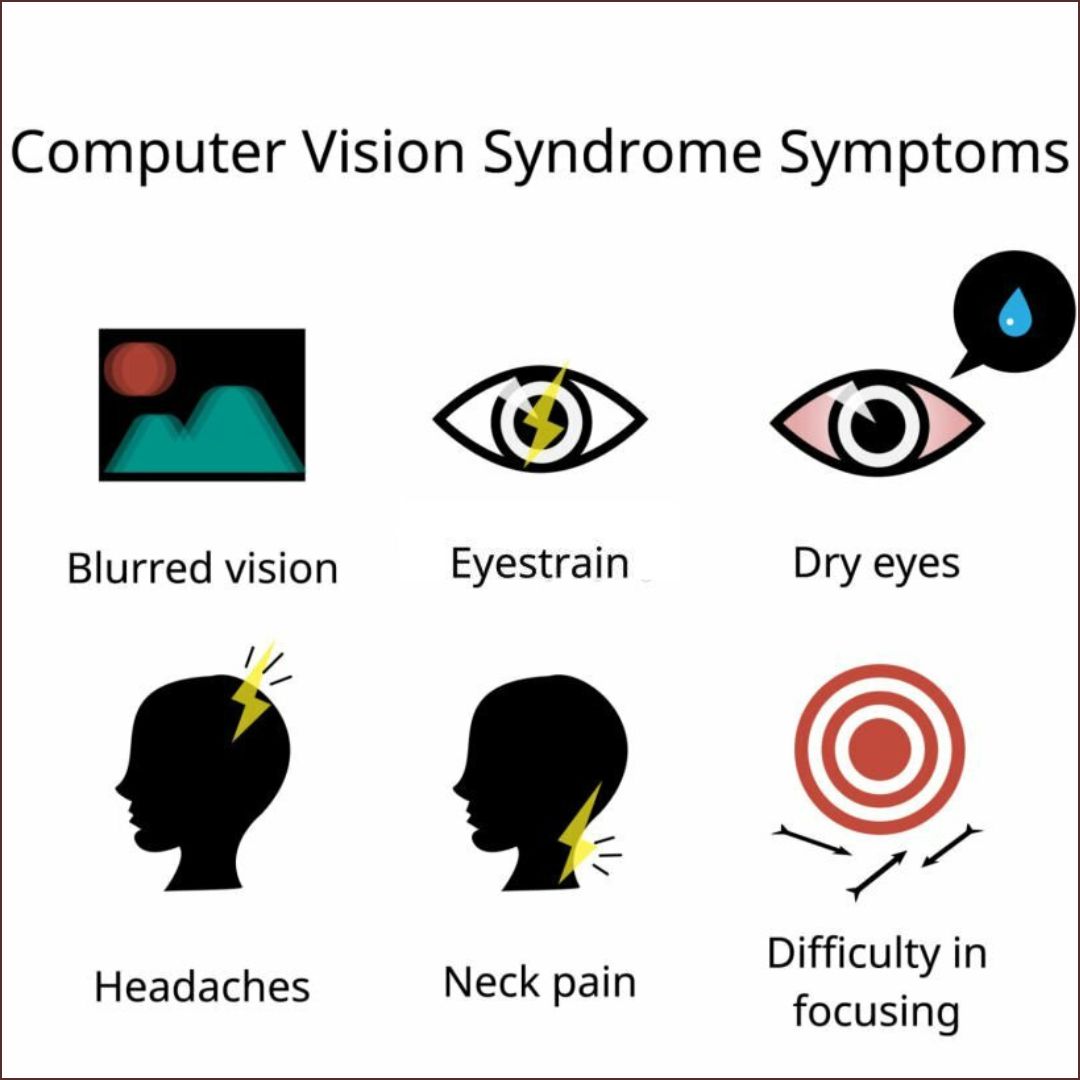
For example, prolonged and frequent use of electronic devices such as smartphones, laptops, and tablets can cause eye strain and fatigue, leading to worsening astigmatism symptoms. Excessive exposure to UV rays from the sun or bright lights can also contribute to the development and progression of astigmatism.[2]
Too much screen time can:
- Make it hard for your child to sleep at night
- Raise your child's risk for attention problems, anxiety, and depression
- Raise your child's risk for gaining too much weight (obesity)
Screen time increases your child's risk for obesity because:
- Sitting and watching a screen is time that is not spent being physically active.
- TV commercials and other screen ads can lead to unhealthy food choices. Most of the time, the foods in ads that are aimed at kids are high in sugar, salt, or fats.
- Children eat more when they are watching TV, especially if they see ads for food.
Computers can help kids with their schoolwork. But surfing the internet, spending too much time on Facebook, or watching YouTube videos is considered unhealthy screen time.
How to Decrease Screen Time
Cutting down to 2 hours a day can be hard for some children because TV may be such a large part of their daily routines. But you can help your children by telling them how sedentary activities affect their overall health. Talk to them about things they can do to be healthier.
To decrease screen time:
- Remove the TV or computer from your child's bedroom.
- Do not allow TV watching during meals or homework.
- Do not let your child eat while watching TV or using the computer.
- Do not leave the TV on for background noise. Turn on the radio instead, or have no background noise.
- Decide which programs to watch ahead of time. Turn off the TV when those programs are over.
- Suggest other activities, such as family board games, puzzles, or going for a walk.
- Keep a record of how much time is spent in front of a screen. Try to spend the same amount of time being active.
- Be a good role model as a parent. Decrease your own screen time to 2 hours a day.
- If it is hard not having the TV on, try using a sleep function so it turns off automatically.
- Challenge your family to go 1 week without watching TV or doing other screen-time activities. Find things to do with your time that get you moving and burning energy.
Suicidal thoughts
The most recent study, published in the Journal of Youth and Adolescence, found that girls who had two to three hours of daily screen time beginning at age 13 were more likely to have suicidal thoughts in their later teen years. The same study showed that teenage boys, especially those who were the objects of cyberbullying, were also more likely to have suicidal thoughts in young adulthood.
Another study, published last month in the journal PLOS One, found that teens who spent more than three hours a day for reasons other than school are chronically stressed, sad, and think about suicide more often than those who spend less time with screens, the study showed. They also exhibited more emotional and physical problems.
“The results suggest the need for interventions that increase the awareness of the risks for adolescents who spend an excessive amount of time using the Internet,” the researchers concluded.
Critical thinking
Lead study author Sarah Coyne, associate director of the School of Family Life at Brigham Young University, tells parents not to panic, and not to forbid all screen time outright. Just set reasonable limits, she told the New York Post.
In addition, she encourages her own 13-year-old daughter to think critically and pay attention to the time she spends online.
“We say, ‘When you’re on TikTok, how does it make you feel? Who are you following?’ ” she told the paper. “If it ever feels like they’re bringing you down, or [making] you feel about yourself, you need to think, ‘Maybe I need to take a break,’ or ‘Maybe I need to not follow this person.”

Reference:
- medlineplus.gov/ency/patientinstructions/000355.htm
- nhlbi.nih.gov/health/educational/wecan/reduce-screen-time
- informedfamilies.org/catalyst/the-danger-of-too-much-screen-time-for-teens
See also:
- Manage your child's screen time
- What Causes Astigmatism to Worsen?
- The Danger of Too Much Screen Time for Teens
- Digital Eye Fatigue Can Lead to Lazy Eye in Children
























































































 وبلاگ تخصصی عینک شامل مجموعه مطالب پزشکی است که اطلاعات مفیدی در رابطه با عینک , چشم، لنز، سلامتی چشم و راه های پیشگیری از بیماریهای چشمی، کنترل و درمان آن را در اختیار شما کاربر محترم می گزارد.
