9 Ways to Reduce the Symptoms of Computer Eyestrain 
Eyestrain is the number one complaint in office jobs, but there are many things workers and employers can do to reduce these symptoms. The best solution is number 1 below—see an eye doctor using the PRIO Vision Tester, and get a pair of eyeglasses specifically to wear when you use the computer.
The potential impact of computer use on children’s vision involves the following factors:
- Children often have a limited degree of self-awareness. Many children keep performing an enjoyable task with great concentration until near exhaustion (e.g., playing video games for hours with little, if any, breaks). Prolonged activity without a significant break can cause eye focusing (accommodative) problems and eye irritation.

Accommodative problems may occur as a result of the eyes’ focusing system “locking in” to a particular target and viewing distance. In some cases, this may cause the eyes to be unable to smoothly and easily focus on a particular object, even long after the original work is completed.
Eye irritation may occur because of poor tearflow over the eye due to reduced blinking. Blinking is often inhibited by concentration and staring at a computer or video screen. Compounding this, computers usually are located higher in the field of view than traditional paperwork. This results in the upper eyelids being retracted to a greater extent. Therefore, the eye tends to experience more than the normal amount of tear evaporation resulting in dryness and irritation.
- Children are very adaptable. Although there are many positive aspects to their adaptability, children frequently ignore problems that would be addressed by adults. A child who is viewing a computer screen with a large amount of glare often will not think about changing the computer arrangement or the surroundings to achieve more comfortable viewing. This can result in excessive eye strain. Also, children often accept blurred vision caused by nearsightedness (myopia), farsightedness (hyperopia), or astigmatism because they think everyone sees the way they do. Uncorrected farsightedness can cause eye strain, even when clear vision can be maintained.
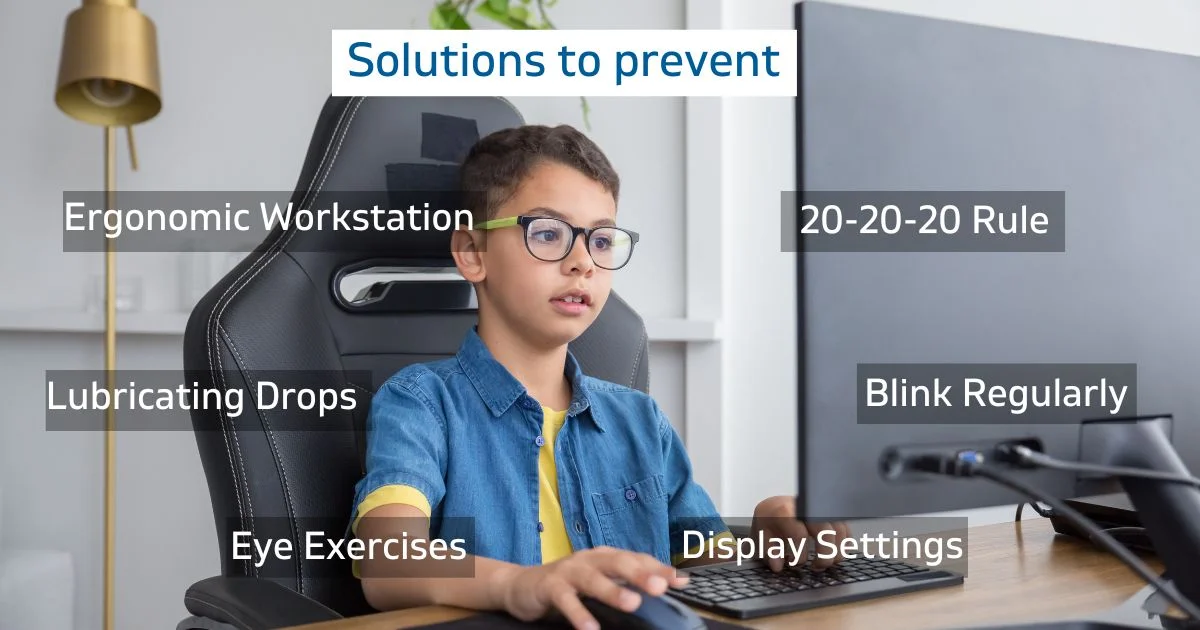
- Children are not the same size as adults. Since children are smaller, computers don’t fit them well. Most computer workstations are arranged for adult use. Therefore, a child using a computer on a typical office desk often must look up further than an adult. Since the most efficient viewing angle is slightly downward about 15 degrees, problems using the eyes together can occur. In addition, children may have difficulty reaching the keyboard or placing their feet on the floor, causing arm, neck or back discomfort.
- Children often use computers in a home or classroom with less than optimum lighting. The lighting level for the proper use of a computer is about half as bright as that normally found in a classroom. Increased light levels can contribute to excessive glare and problems associated with adjustments of the eye to different levels of light.
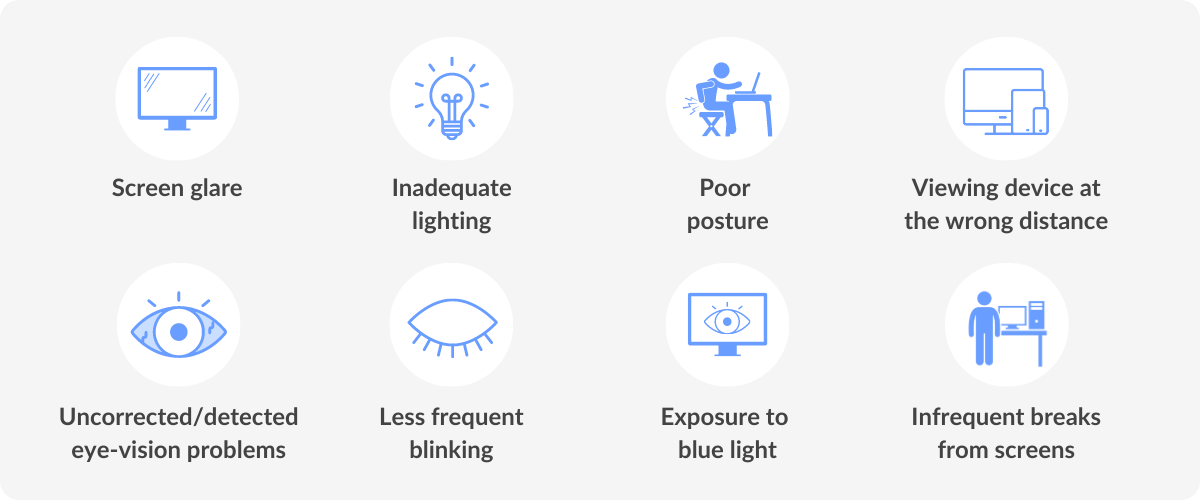
Here are nine additional tips for ways to reduce eyestrain.
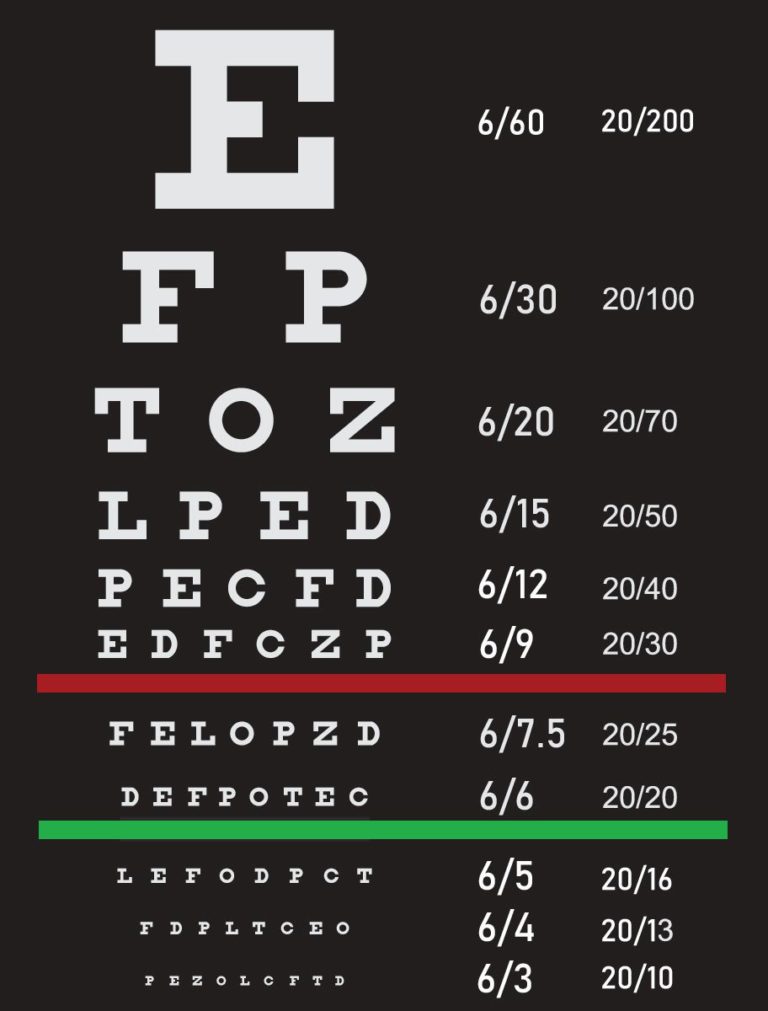
1. GET AN EYE EXAM!
This is the most important thing you can do to prevent or treat computer vision problems.
According to the National Institute of Occupational Safety and Health (NIOSH), computer users should have an eye exam before they start working on a computer and once per year thereafter.
2. USE PROPER LIGHTING
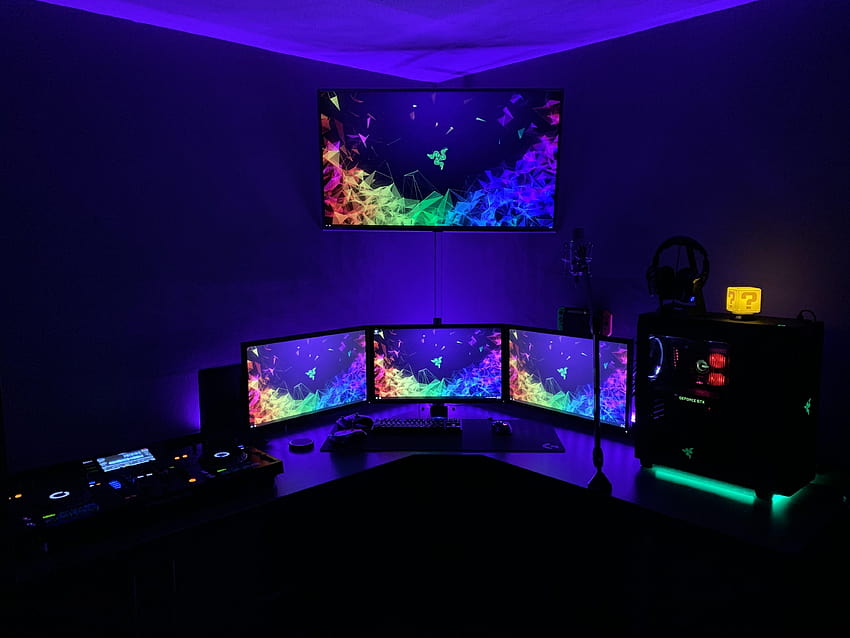
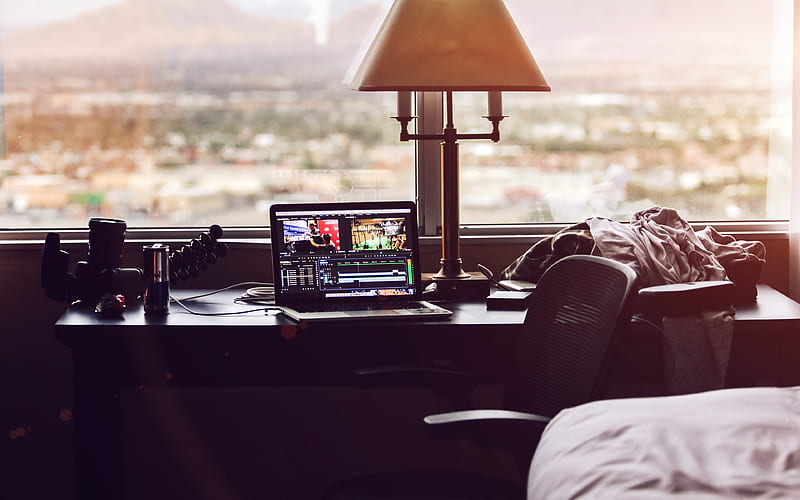
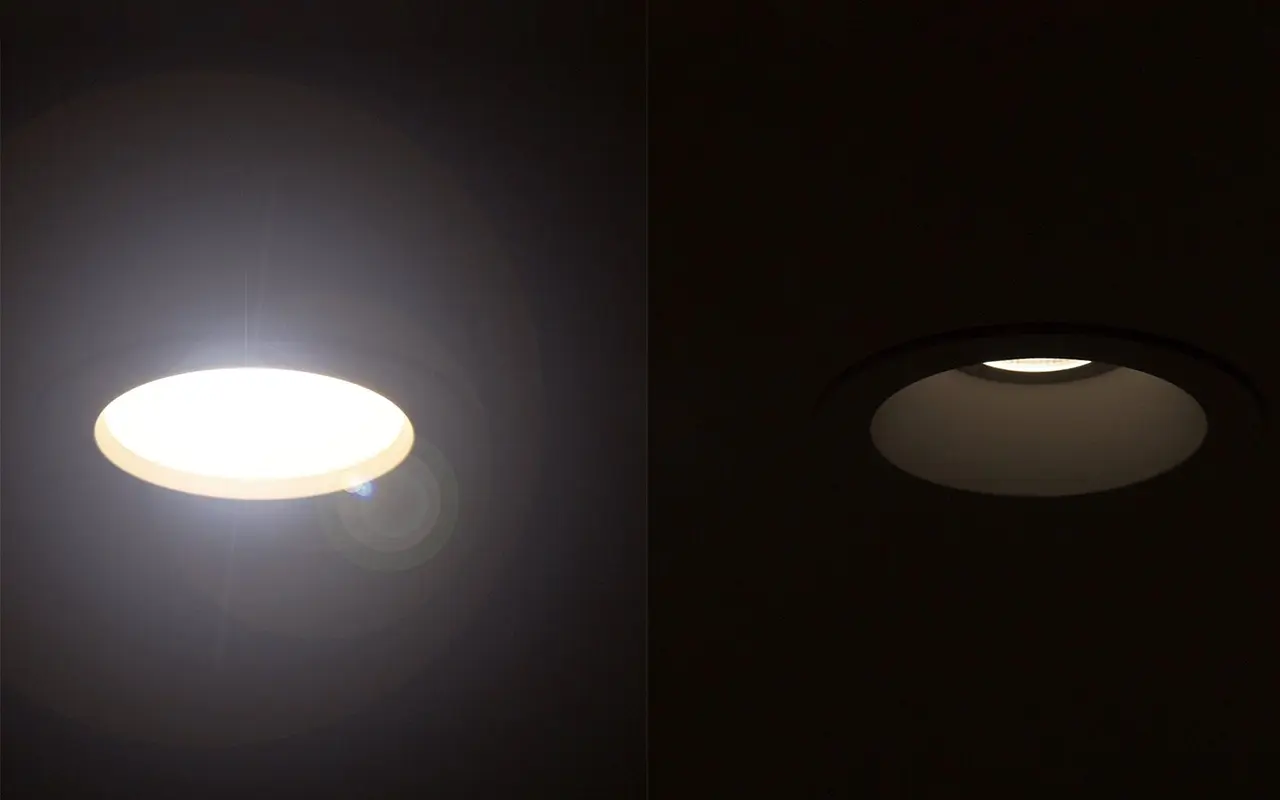
In your office you are likely to find several things that can cause eyestrain, including glare on walls and finished surfaces, reflections on the computer screen itself, excessively bright light coming in from outside, and excessively bright light inside
Eliminate exterior light and reflections by closing drapes or blinds.
When using computers, lighting should be about half that used in most offices. Reduce lighting by using fewer light bulbs or florescent tubes, or use lower intensity bulbs and tubes.
3. TAKE FREQUENT BREAKS
Full time computer users should take a 10-minute break every hour to reduce eyestrain problems according to experts. Part-time users should take frequent breaks, after sitting in front of their display for more than a hour.
4. REFOCUS YOUR EYES
Look away from your computer screen every 10-15 minutes and focus for 5-10 seconds on a distant object outside or down the hallway. This prevents the fixed gaze common among computer users. It also lets you blink, which wets your eyes.

5. BLINK MORE OFTEN
When staring at a computer, people blink less frequently—about 5 times less than normal, according to studies. Tears coating the eye evaporate more rapidly during long non-blinking phases and cause dry eyes. Office buildings may have excessively dry environments that also reduce tearing. For significant problems, ask your eye doctor about artificial tears or eye drops that you can use during the day.
6. MODIFY YOUR WORKSTATION
If you need to look back and forth between the printed or written page and the computer, this can cause eyestrain. Place written pages on a copy stand adjacent to the monitor. Properly light the copy stand. Adjust your workstation and chair to the correct height. Purchase ergonomic furniture to assure proper screen locations and posture.

7. MATCH THE COMPUTER SCREEN TO THE BRIGHTNESS OF THE ENVIRONMENT
Closely match the brightness of the environment with that of the computer screen. The contrast between the background and on-screen characters should be high.
8. MINIMIZE GLARE
Use window shades, blinds or drapes to block out excessive sunlight, or install an anti-glare screen, to minimize reflections on the screen itself. Reduce the internal ambient light if necessary. For conditions where outside light cannot be reduced, use a computer hood to cut glare and reflection. Have an Anti-Reflective coating applied to your glasses. This will prevent glare and reflections on the back side of your lenses form reaching your eyes.
9. EXERCISE EVEN WHEN SITTING
Anyone in a sedentary job, especially those using computers, should also stand up, move about, or exercise frequently. NIOSH recommends several sitting, stretching, and joint rotating exercises for computer users.
As parents or carers, it is essential to recognise the signs of Digital Eye Strain in children.
Some common symptoms include:
- Eye discomfort: Complaints of tired, itchy, or burning eyes.
- Squinting or blinking: Frequent squinting or blinking to refocus their vision.
- Headaches: Recurring headaches, especially after screen time.
- Dry eyes: Experiencing dryness or grittiness in the eyes.
- Double vision: Temporary vision issues like double vision or blurred vision.




Reference:
- yesite.co.za/2004/04/15/impact-of-computer-use-on-childrens-vision
- visiondirect.com.au/optical-centre/eye-care/digital-eye-strain
- gormleyopticians.com/protecting-childrens-eyes-digital-strain
- prio.com/consumers/9ways.cfm











 وبلاگ تخصصی عینک شامل مجموعه مطالب پزشکی است که اطلاعات مفیدی در رابطه با عینک , چشم، لنز، سلامتی چشم و راه های پیشگیری از بیماریهای چشمی، کنترل و درمان آن را در اختیار شما کاربر محترم می گزارد.
